
How to take face and full-length photos for an AI style preview
Use a window, a phone timer and two simple framing checks to prepare the face and full-length pictures for a GoIconic style pack.
GoIconic Editorial · Published 2026-11-22 · Updated 2026-11-22
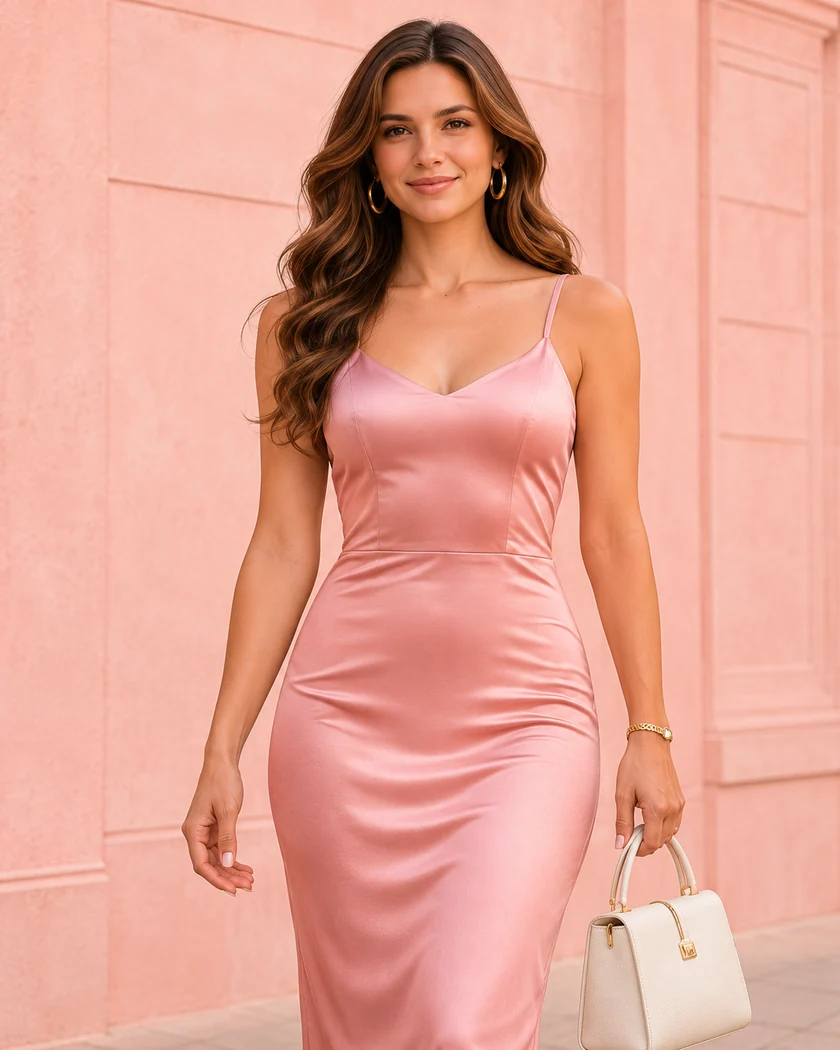
Set up one spot for both pictures
Find a wall with enough space to stand a few steps from the phone. Turn toward a window and look at the camera preview. If one side of your face falls into deep shadow, rotate until both sides are readable. An evenly lit room works after dark. Wipe the lens and place the phone on a stable support. The timer gives you time to settle into the frame.
Move other people, addresses, work badges and mirrors that show another room out of the picture. Wear ordinary opaque clothes you feel comfortable in. The two images are for different jobs. One shows your face and hair clearly, and the other shows how the whole outfit sits on you.
Frame the face and hair
Set the camera near eye level. Include your whole hairline, the sides of your head and some space below the chin. A shoulder-length crop is an easy reference. Look at the lens with a relaxed expression. Choose the normal camera setting and turn off beauty filters, background blur and portrait effects that might erase loose curls or alter edges.
Zoom into the saved photo. Look at the edges of your eyes and hair. If they look soft from movement, take the picture again in brighter light. If glasses are part of your everyday appearance, change the camera angle slightly to reduce reflections while keeping your eyes visible.
Include your shoes in the full-length shot
Step back until there is clear space above your head and below your feet. Set the phone upright at about mid-torso height and keep it level. A phone tilted up from the floor can exaggerate the nearest part of the body. If your room is shallow, move the phone into the doorway before switching to a very wide lens.
Stand comfortably with your arms a little away from your sides. If you sit or use a mobility aid, use your normal posture and include the complete seated silhouette and the parts of the aid that are normally visible. Review the framing and choose the image that best represents how you want to appear.
Read the preview as a styling idea
Open each saved photo once more before selecting it for a pack. Make sure the face and the full outfit belong to the same person and the crop you see matches the one you intended. A generated image can help you explore a neckline, a color or the shape of a jacket. To choose a real garment size, check its measurements and try it on. You can find the photo steps again from any style page when you choose your first pack.